Virtual Desktop Switching (In Windows)
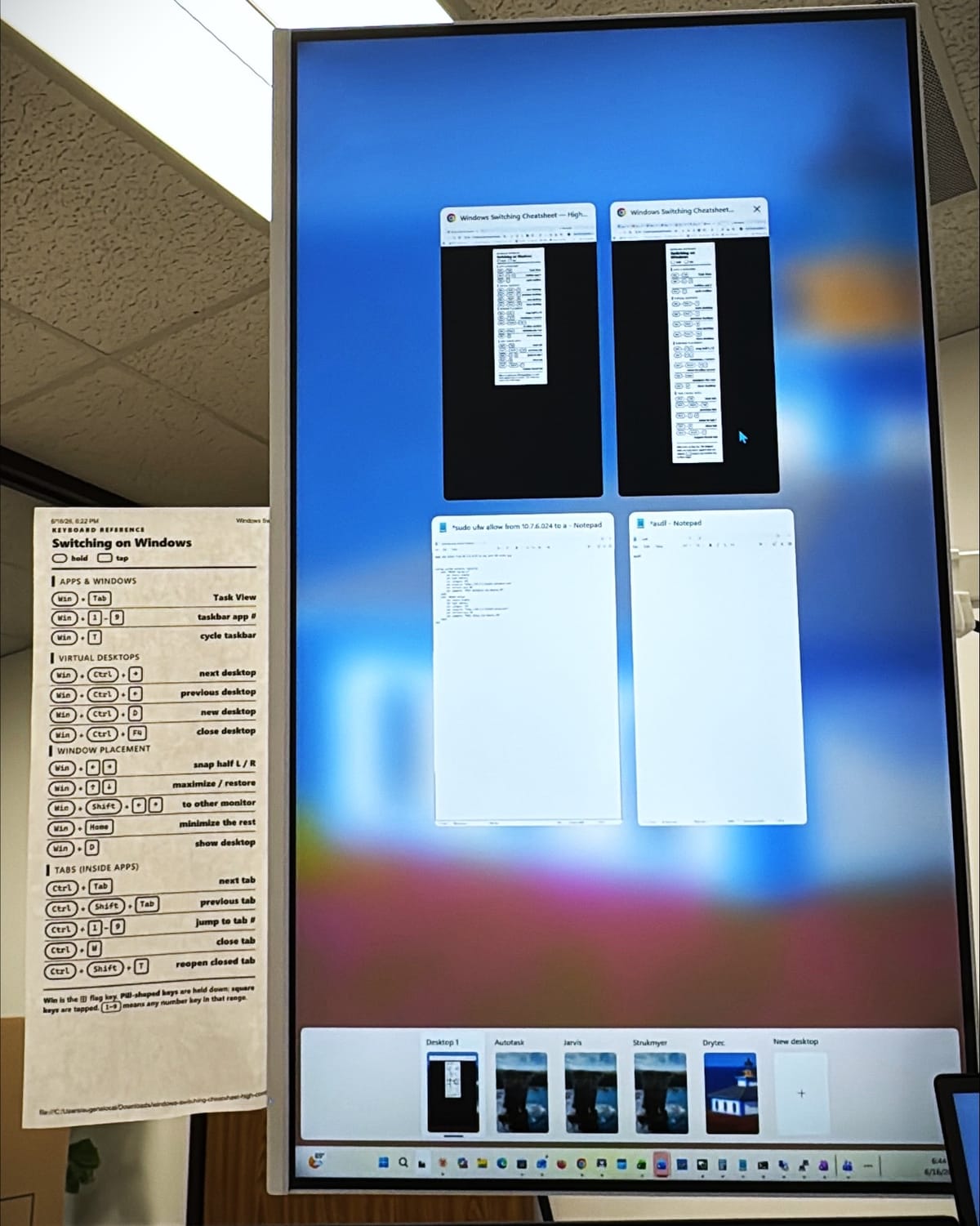
i can't remember who told me this, but supposedly windows' virtual desktop switching makes multiple physical monitors obsolete. (to be clear: the desktops built into windows, not virtual machine desktops.)
i've been playing with it. right now i'm setting up a dedicated desktop for each client: a remote session to their server on one side, our it documentation tool tee'd up to their account in a browser next to it. flip between clients with a keystroke.
i dunno know about you, but after so many tabs, my brain gets overwhelmed and i end up needing to reset by closing them all down and starting over.
i kept forgetting the shortcuts, so i had claude build me a cheatsheet and taped it to the side of my monitor. sharing it here in case it's useful to anyone else.
Keyboard reference
Switching on Windows
Apps & Windows
Virtual Desktops
Window Placement
Tabs (inside apps)